Machine Shop ERP Analytics: KPIs Every Shop Should Track
Discover the key performance indicators (KPIs) every machine shop should monitor and how ERP analytics helps improve productivity, profitability, and operational efficiency.
Table of Contents
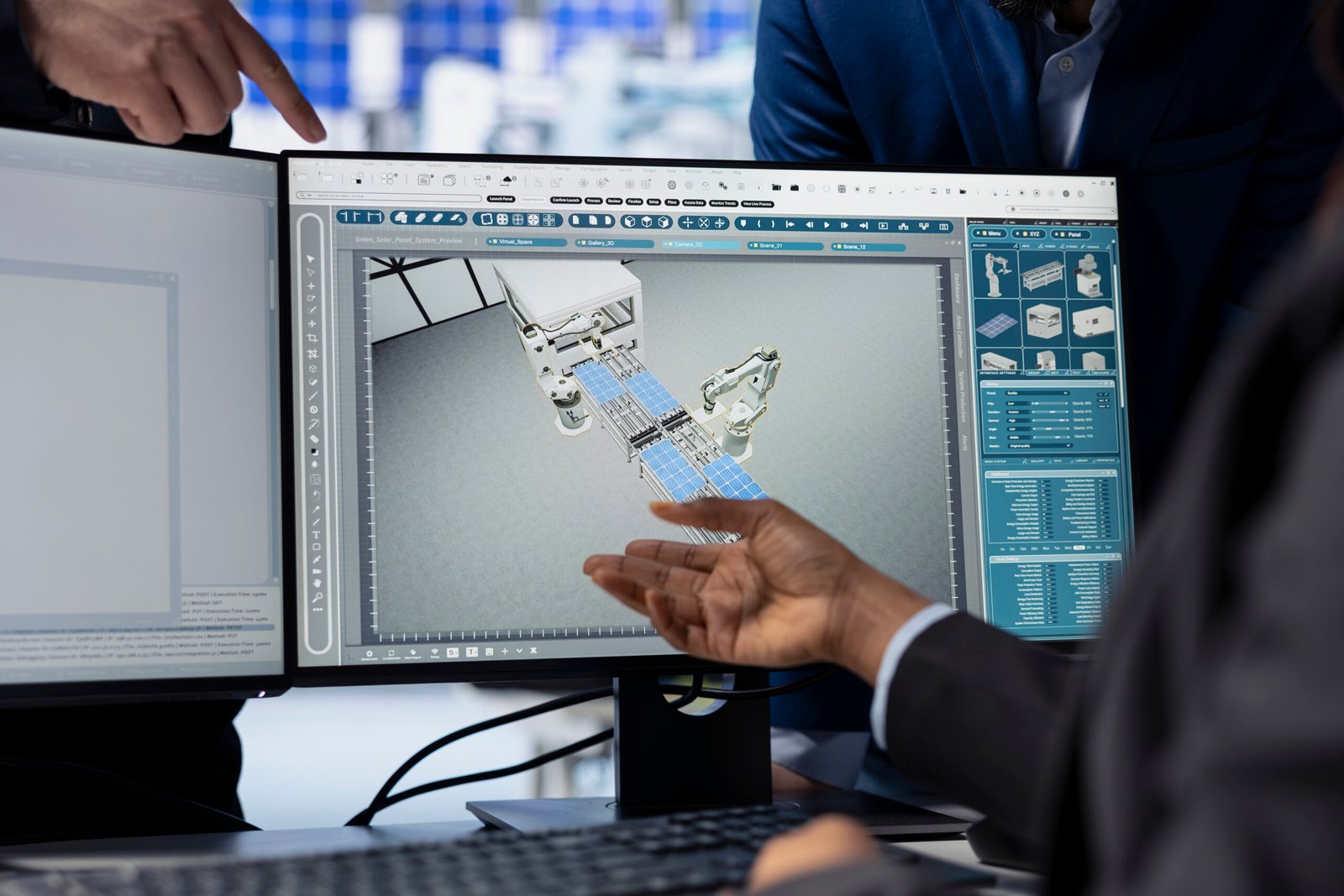
Running a successful machine shop takes more than producing quality parts. You have to keep watching production performance, machine efficiency, labor productivity, and operating costs to stay competitive.
Many shops still rely on spreadsheets and manual reports to track performance. By the time managers see the numbers, the chance to act may be gone. That’s one of the gaps we describe in ERP vs Excel for machine shops.
This is where Machine Shop ERP analytics earns its keep. A good system collects operational data and turns it into dashboards, reports, and key performance indicators (KPIs). By tracking the right ones, you can find bottlenecks, reduce downtime, improve scheduling, and make better business decisions.
What Are Manufacturing KPIs?
KPIs are measurable metrics that show how effectively and efficiently a manufacturing operation runs. They help answer:
- Are machines running efficiently?
- Is production meeting targets?
- Where are bottlenecks occurring?
- Are jobs being completed on time?
- How much downtime is hurting productivity?
- Are resources being used well?
Why ERP Analytics Matters in Machine Shops
Machine shops generate large amounts of data every day across production scheduling, shop floor operations, inventory, tool management, work orders, labor, and machine performance. Without a centralized system, that data stays fragmented and hard to analyze.
An ERP consolidates it in one platform and presents it through reports and, depending on the system, dashboards. The payoff is:
- Real-time production visibility, like the kind in our real-time shop floor tracking guide
- Faster decisions
- Better operational control
- Easier performance monitoring
10 KPIs Every Machine Shop Should Track

1. Machine Utilization Rate
How effectively equipment is used compared to available production time.
Formula: Machine Running Time ÷ Available Time × 100
Low utilization often points to excessive downtime, scheduling inefficiencies, setup delays, or resource bottlenecks.
2. Overall Equipment Effectiveness (OEE)
OEE combines availability, performance, and quality into one score.
Formula: Availability × Performance × Quality
OEE.com explains the metric and its benchmarks, and MSC Industrial’s guide to OEE calculations walks through the math for machine shops. A score of around 85% is commonly cited as world-class, but compare your own trend over time before you chase a number.
3. Production Throughput
How many parts you produce in a given period. Tracking it helps you evaluate capacity, find bottlenecks, and allocate resources.
4. Downtime Percentage
Formula: Downtime ÷ Scheduled Time × 100
Track planned, unplanned, maintenance-related, and setup-related downtime separately. Reducing it often delivers the quickest productivity gain. See how machine shop ERP eliminates production delays.
5. Setup Time
How long machines take to get ready for production, measured from the last good part of one job to the first good part of the next.
Long setups cut availability, lower output, and delay deliveries. Standardizing helps; see standardizing CNC machine setups. Digital tools such as Texono’s Setup Sheet Application make setup performance easier to track.
6. On-Time Delivery Rate
Formula: Jobs Delivered On Schedule ÷ Total Jobs Delivered × 100
Strong delivery performance builds customer trust and a competitive edge.
7. Inventory Turnover
Formula: Cost of Materials Used ÷ Average Inventory Value
Low turnover can signal overstocking, inefficient purchasing, or excess inventory costs. Tooling is part of this too, which is where a tool crib system helps.
8. Scrap and Rework Rate
Formula: (Scrapped + Reworked Parts) ÷ Total Parts Produced × 100
Common causes include improper setup, tool wear, material issues, and process inconsistency. Analytics help you find trends and root causes faster.
9. Labor Productivity
Formula: Output ÷ Labor Hours Worked
Tracking it helps with staffing decisions and resource allocation. Records such as training and certifications, kept in something like an HR management app, help you match skills to jobs.
10. Production Cost Per Part
Formula: (Material + Labor + Machine Time + Tooling) ÷ Parts Produced
True cost per part supports better pricing. Our guide to cost tracking software covers how to capture these inputs as jobs run, and the Costing Application is built for it.
How ERP Software Can Simplify KPI Monitoring
Manual reporting takes real effort. A good ERP can help through:
- Real-time dashboards: performance data updated as production happens.
- Automated reporting: reports generated without manual spreadsheet work.
- Custom KPI monitoring: dashboards configured around your goals.
- Historical trend analysis: stored data that shows patterns over time.
- Alerts: notifications when a KPI crosses a threshold.
Not every system offers all of these, so check each against your needs when you evaluate software. Our ERP pricing guide can help you budget for them.

Benefits of Data-Driven Manufacturing
- Better decisions from real-time information
- Reduced downtime by spotting recurring issues sooner
- Higher productivity by finding and removing bottlenecks
- Better resource allocation for schedules and labor
- Higher profitability from better cost and performance visibility
If you’re also exploring sensors and machine connectivity, see our Industry 4.0 guide for machine shops.
Building an Effective ERP Dashboard
Include metrics across all critical areas:
| Area | KPIs |
|---|---|
| Production | Throughput, setup time, on-time delivery |
| Machine | Utilization, OEE, downtime |
| Inventory | Inventory turnover, material availability |
| Business | Cost per part, labor productivity, scrap rate |
Start with three to five KPIs, not all ten. Add more once the team trusts the data.
What Texono Provides
Texono’s Machine Shop ERP and Manufacturing ERP include reporting across modules. For example, the Setup Sheet Application produces job reports and analytics, and the ToolCrib Application reports on tool usage, availability, and utilization. Because Texono’s software is custom-built, reports can be tailored to the KPIs that matter to your shop.
Frequently Asked Questions
Start with setup time, on-time delivery, and scrap rate. They’re easy to measure and tied directly to cost and customer satisfaction.
Around 85% is commonly cited as world-class, but most shops start well below that. Track your own trend first.
No, but spreadsheets make them slow and error-prone to maintain. An ERP pulls the data from the work itself.
Conclusion / Key Takeaways
ERP analytics turns raw production data into insights that drive better decisions and continuous improvement. Track the right KPIs and you can improve productivity, reduce downtime, optimize resources, and increase profitability.
✅ Machine Utilization Rate
✅ Overall Equipment Effectiveness (OEE)
✅ Production Throughput
✅ Downtime Percentage
✅ Setup Time
✅ On-Time Delivery Rate
✅ Inventory Turnover
✅ Scrap and Rework Rate
✅ Labor Productivity
✅ Production Cost Per Part
Call-to-Action
Ready to turn production data into actionable insights?
See how Texono’s Machine Shop ERP can support custom reports and data-driven decisions in your shop. Talk to the team or book a demo below.

We help your business grow with powerful SaaS solutions
Resources
© 2026 Texono. All rights reserved.