
Skip to content
logo
Menu
  • Home
  • About Us
  • Our Services
    • UI/UX Design Services
    • Custom Application Development
    • Mobile App Development
    • Custom AI Development
    • Custom Software Development
  • Our Products
    • Task Management App
    • HR Management App
    • ToolCrib Application
    • Setup Sheet Application
    • IT Ticketing Application
    • Costing Application
  • Manufacturing ERP
    • Machine Shop ERP
  • Blog
  • Contact Us

Category: Features & Functionality

Dive into the core features and functionality of modern CNC setup sheet applications. This section provides step-by-step guides for creating digital setup sheets, explains how integration with tool crib apps reduces errors, and explores advanced reporting features like daily, weekly, and monthly analytics. Learn how Texono’s Setup Sheet App empowers machinists with real-time tooling synchronization, custom reports, and smarter workflows that streamline production and improve accuracy across every job.

Inside the Texono Setup Sheet App: Tools, Analytics, and Custom Reports
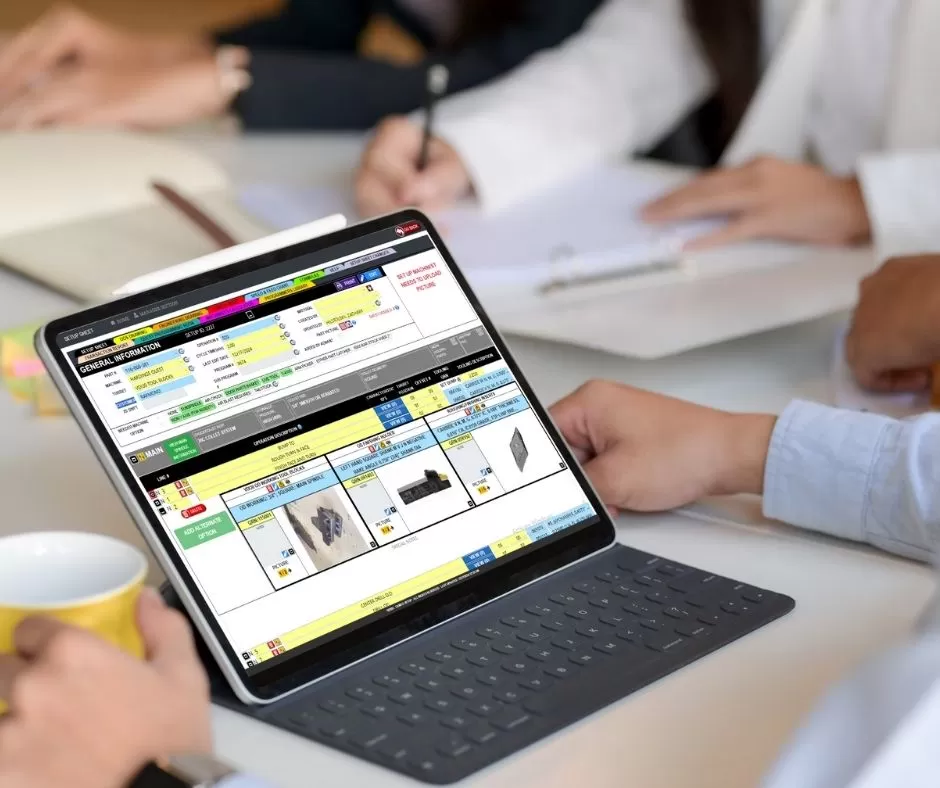
Digital tablet displaying Texono machine shop ERP tool crib setup sheet and part drawing specifications

Discover how the Texono Setup Sheet App combines powerful tools, real-time analytics, and custom reports to streamline CNC setups and improve productivity.

Why Integration with a Tool Crib App is a Game-Changer

tool crib integration

Discover how Tool Crib integration improves CNC tool management by automating tool selection, reducing downtime, and ensuring accurate tooling for every job.

Step-by-Step Guide to Creating a CNC Setup Sheet

cnc setupsheet

Learn how to create a CNC setup sheet with this step-by-step guide. Discover how digital setup sheets improve accuracy, reduce errors, and streamline your machining process.

All rights reserved