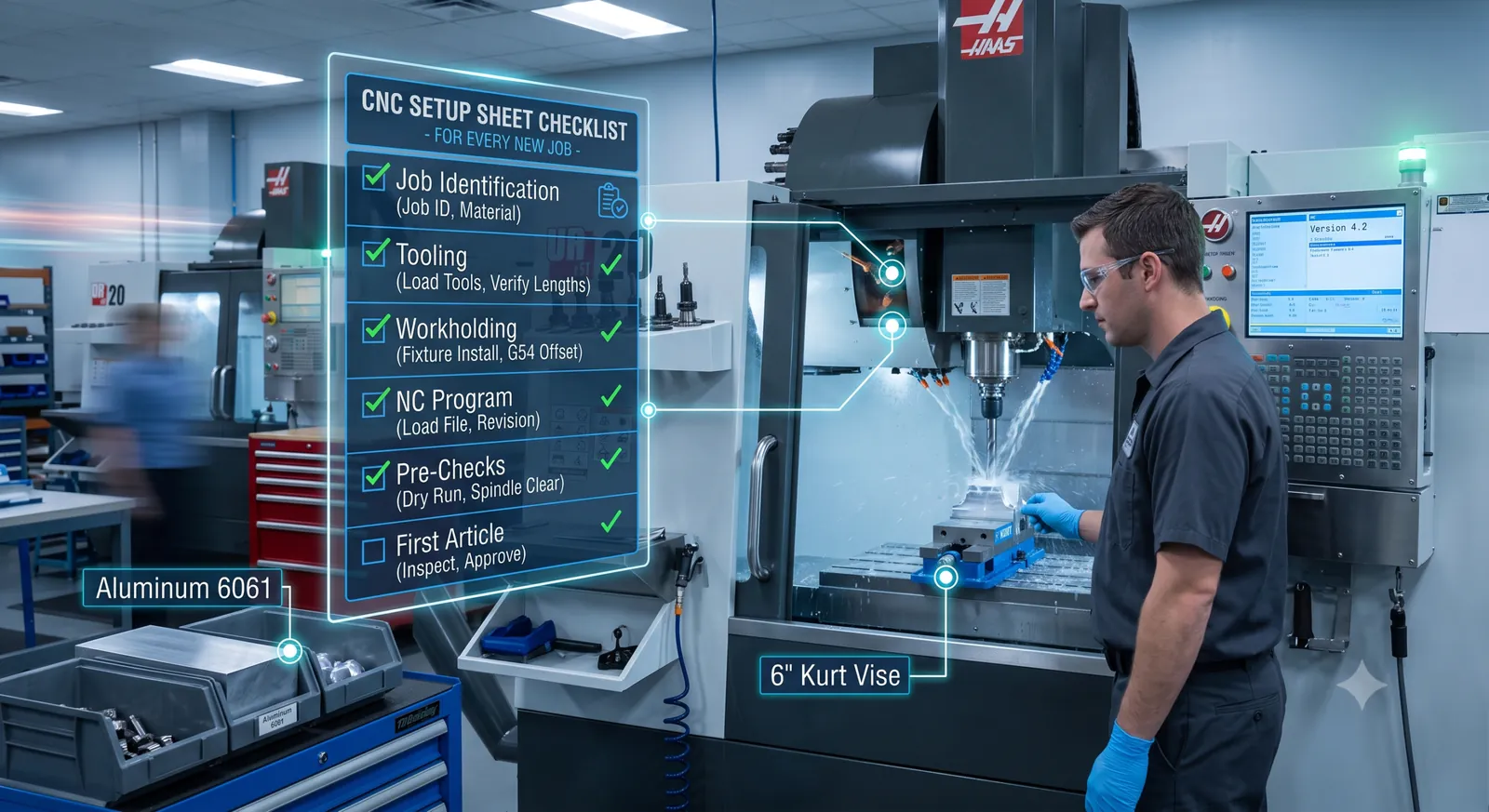
Learn how tailored setup sheets improve accuracy, reduce setup time, and boost CNC machining efficiency.

Every CNC machining job is different. Variations in materials, part geometry, tooling, and machine requirements mean that a one-size-fits-all setup sheet simply doesn’t work.
Customizing CNC setup sheets for each job ensures that operators have the exact information they need to perform accurate and efficient setups. With the help of digital setup sheet applications, this customization can be done quickly and consistently, improving productivity across the shop floor.
Why Customization Matters in CNC Setup Sheets
Using generic setup sheets can lead to errors, inefficiencies, and inconsistent results. Customization allows machine shops to:
- Match setup instructions to specific job requirements
- Ensure accurate tooling and parameters
- Reduce setup time and operator confusion
- Improve overall machining quality
Tailored setup sheets provide clarity and precision, which are essential for high-performance CNC operations.
Key Elements to Customize for Each Job
1. Part Information
Include details such as part name, drawing number, material type, and dimensions to ensure accurate machining.
2. Machine Selection
Specify the machine type and model to ensure compatibility with tooling and setup requirements.
3. Tooling Requirements
Define tools needed for the job, including tool numbers, offsets, and specifications.
4. Cutting Parameters
Adjust feeds, speeds, and cycle times based on the material and operation.
5. Workholding and Fixtures
Include details about clamping methods and fixtures to ensure stability during machining.
6. Setup Instructions and Notes
Provide step-by-step instructions along with notes for special considerations or challenges.
✅ Job-specific accuracy
✅ Reduced setup errors
✅ Improved consistency
Step-by-Step Guide to Customizing Setup Sheets
Step 1: Select the Machine and Job
Choose the CNC machine and job details from your system to begin customization.
Step 2: Input Part and Material Details
Add relevant information about the part and material requirements.
Step 3: Define Tooling and Parameters
Select the appropriate tools and set cutting parameters based on job specifications.
Step 4: Add Setup Instructions
Include clear instructions and visual aids to guide operators through the setup process.
Step 5: Review and Finalize
Check the setup sheet for accuracy and make any necessary adjustments before use.
Benefits of Job-Specific Setup Sheets
Customizing setup sheets for each job provides several advantages:
- Faster setup times
- Reduced errors and rework
- Improved product quality
- Better operator efficiency
- Enhanced production consistency
These benefits help machine shops operate more efficiently and deliver better results.
Role of Digital Setup Sheet Applications
Digital setup sheet applications make customization simple and efficient. They allow:
- Automated generation of job-specific setup sheets
- Integration with tooling and machine data
- Real-time updates and data accuracy
- Easy access across devices
With digital tools, customization becomes faster, more reliable, and scalable for any machine shop.
Conclusion / Key Takeaways
Customizing CNC setup sheets for each job is essential for achieving accuracy, efficiency, and consistency in machining operations. By tailoring setup instructions and leveraging digital tools, machine shops can reduce errors and improve productivity.
Key Benefits:
- Improved setup accuracy
- Faster job execution
- Reduced downtime
- Better overall performance
Call-to-Action
Want to create customized CNC setup sheets for every job with ease?
Discover how Texono’s Setup Sheet Application can help you streamline customization and improve efficiency.